
Use a barcode in a factual food diary
Glytrio is a diabetes food diary app for iOS and Android that lets you scan or type a packaged-food barcode to look up and review an editable draft before saving locally. Records remain factual on your device without nutrition advice, dosing guidance or claims of complete coverage.
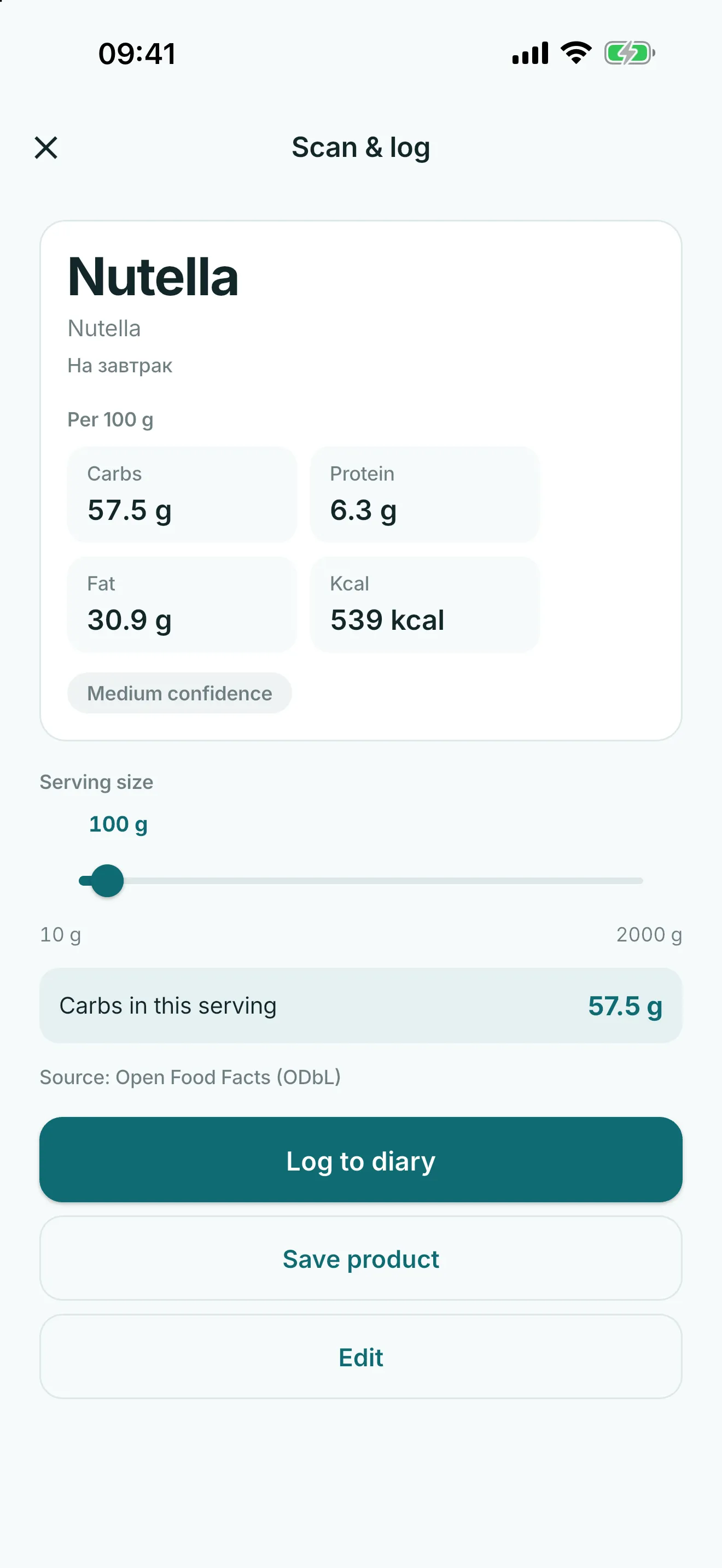
Scan or type a packaged-food barcode
Use the scanner for a package barcode or type the barcode yourself. Barcode entry identifies a product lookup request; it is not a medical assessment.
Lookup starts only when you ask
After barcode entry, choose to start lookup. The app may use its local cache and an optional USDA fallback for reference data.
The privacy boundary is narrow: this lookup does not send glucose, insulin or diary records.
Review a draft before saving
Use returned information as a reference draft. Review the product name and fields before saving, edit it when needed, or use manual entry instead.
Do not rely on a result for food accuracy, coverage, treatment or insulin decisions.
Keep a local custom-food record
Saved or edited foods become local diary records for future entries. You remain responsible for what you choose to keep in the diary.
Food records can appear in exports as factual context, not nutrition or medical advice.
Common questions
Does Glytrio look up every barcode?
No. Barcode lookup is optional and no coverage promise is made.
Do barcode results need review?
Yes. Review the reference draft before saving or edit it manually.
Does barcode lookup send my diary?
No. The lookup boundary excludes glucose, insulin and diary records.